
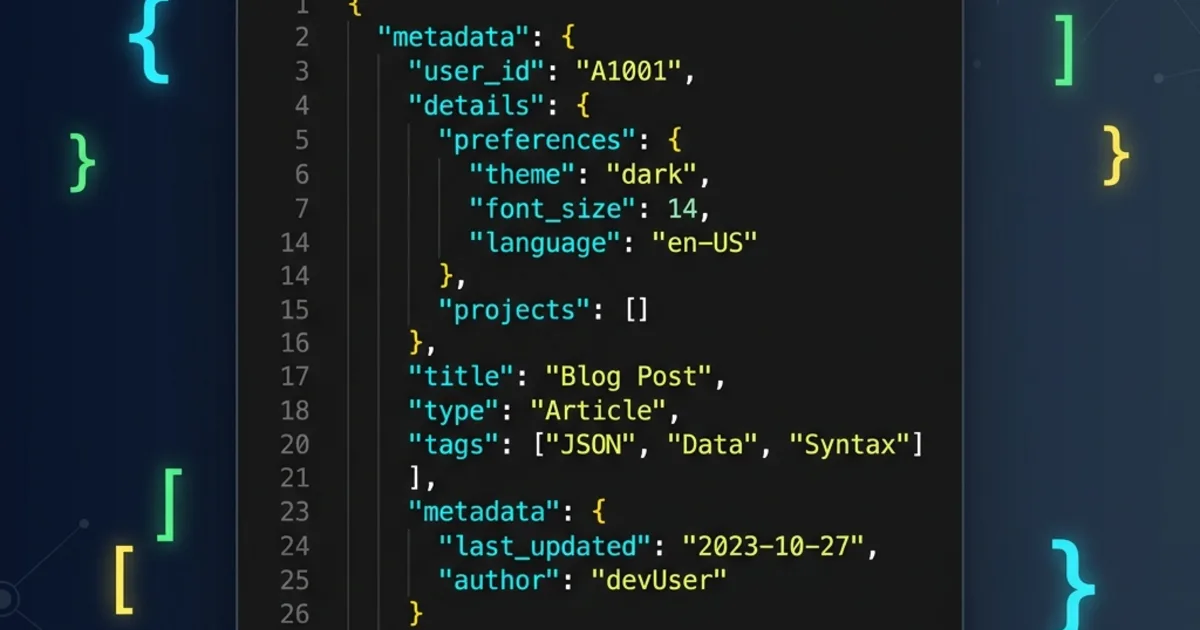
What Is JSON?
JSON (JavaScript Object Notation) is a lightweight, text-based data interchange format. Despite its name, JSON is language-independent and used across virtually every programming language, framework, and platform in modern software development.
JSON was derived from JavaScript's object literal syntax, but it has become the universal standard for transmitting structured data between servers and clients - far surpassing XML in popularity for web APIs.
JSON Syntax Rules
JSON has only a handful of rules, which makes it incredibly easy to learn:
- Data is in key-value pairs -
"name": "value" - Keys must be strings - always wrapped in double quotes
- Values can be: strings, numbers, booleans, null, arrays, or objects
- Objects use curly braces -
{ } - Arrays use square brackets -
[ ] - No trailing commas - the last item in an object or array must not have a trailing comma
- No comments - JSON does not support comments (unlike JSONC)
Example JSON Document
{
  "name": "DailyUtil",
  "version": "1.0.0",
  "description": "Free online developer tools",
  "tools": [
    { "name": "JSON Viewer", "category": "Data" },
    { "name": "Base64 Encoder", "category": "Encoding" },
    { "name": "JWT Decoder", "category": "Security" }
  ],
  "isOpenSource": false,
  "totalTools": 24
}
JSON Data Types
JSON supports exactly six data types:
| Type | Example | Notes |
|---|---|---|
| String | "hello world" | Must use double quotes |
| Number | 42, 3.14, -1 | No leading zeros, no hex |
| Boolean | true, false | Lowercase only |
| Null | null | Represents empty/missing |
| Object | { "key": "val" } | Unordered key-value pairs |
| Array | [1, 2, 3] | Ordered list of values |
Where Is JSON Used?
REST APIs
Nearly every modern API returns JSON. When you call https://api.example.com/users, the response is almost always a JSON array of user objects.
Configuration Files
package.json (Node.js), tsconfig.json (TypeScript), composer.json (PHP), and countless other tools use JSON for configuration.
Local Storage
Browser localStorage stores string values - developers routinely JSON.stringify() objects to persist them and JSON.parse() to retrieve them.
Database Documents
Document databases like MongoDB and CouchDB store data natively in JSON-like formats (BSON in MongoDB's case).
JSON vs XML
| Feature | JSON | XML |
|---|---|---|
| Readability | ✅ Compact | ❌ Verbose |
| Parse speed | ✅ Faster | ❌ Slower |
| Data types | ✅ Native types | ❌ All strings |
| Comments | ❌ Not allowed | ✅ Supported |
| Attributes | ❌ N/A | ✅ Supported |
For APIs and web development, JSON has almost entirely replaced XML. However, XML still has niche uses in enterprise systems, SVG graphics, and document formats like DOCX.
Common JSON Mistakes
- Using single quotes - JSON requires double quotes:
"key"not'key' - Trailing commas -
{"a": 1,}is invalid JSON - Unquoted keys -
{name: "value"}is valid JavaScript but invalid JSON - NaN and Infinity - these are not valid JSON values
- Date strings - JSON has no native date type; use ISO 8601 strings like
"2026-05-20T00:00:00Z"
Working with JSON in DailyUtil
Our JSON Viewer & Formatter lets you paste raw JSON, validate its structure, format it with proper indentation, and explore nested data in an interactive tree view - all in your browser, with zero data sent to any server.
Conclusion
JSON is the lingua franca of modern web development. Its simplicity, readability, and universal support make it the go-to format for APIs, configuration, and data storage. Understanding JSON is not just useful - it's essential for any developer working with the web today.