
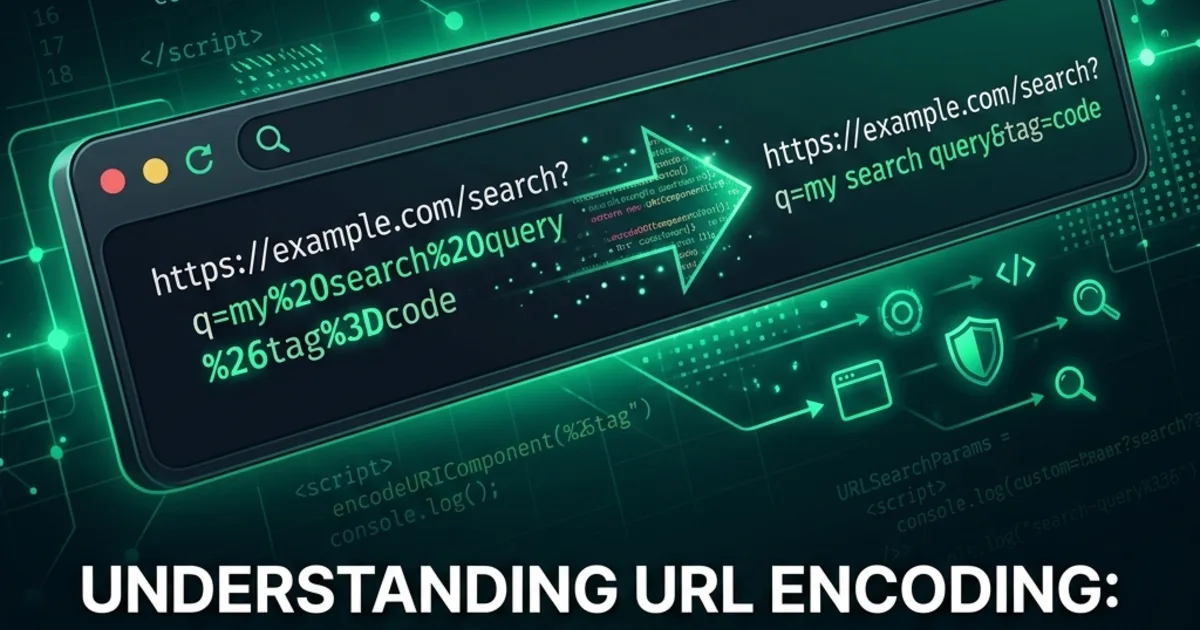
What Is URL Encoding?
URL encoding (also called percent encoding) is the process of replacing unsafe or reserved characters in a URL with a % followed by their hexadecimal ASCII code. For example, a space becomes %20.
URLs can only contain a limited set of ASCII characters. Any character outside this set - including spaces, Unicode characters, and reserved symbols - must be percent-encoded for the URL to be valid.
Why Does URL Encoding Exist?
URLs are transmitted over protocols that only understand ASCII. Special characters like ?, &, =, and # have structural meaning in URLs:
https://example.com/search?query=hello world&page=1
                           ↑     ↑          ↑
                          start   value      separator
If your search query contains & or =, the URL parser can't tell the difference between your data and the URL structure. Encoding solves this:
https://example.com/search?query=hello%20world&page=1
Common Encoded Characters
| Character | Encoded | Why |
|---|---|---|
| Space | %20 or + | Not allowed in URLs |
& | %26 | Separates query parameters |
= | %3D | Separates key from value |
? | %3F | Starts query string |
# | %23 | Starts fragment |
/ | %2F | Path separator |
@ | %40 | Used in email/auth |
+ | %2B | Means space in forms |
encodeURI vs encodeURIComponent
JavaScript provides two functions with different scopes:
encodeURI()
Encodes a full URL - preserves structural characters like :, /, ?, &, =, #.
encodeURI("https://example.com/path?q=hello world")
// "https://example.com/path?q=hello%20world"
encodeURIComponent()
Encodes a single value - encodes everything except letters, digits, -, _, ., ~.
encodeURIComponent("hello world&foo=bar")
// "hello%20world%26foo%3Dbar"
Rule of thumb: Use encodeURIComponent() for query parameter values. Use encodeURI() for complete URLs.
Common Mistakes
- Double encoding - encoding an already-encoded URL produces
%2520instead of%20 - Using
+for spaces in paths -+only means space inapplication/x-www-form-urlencoded(form submissions), not in URL paths - Not encoding filenames -
My Document (1).pdfin a URL path will break without encoding - Forgetting Unicode - characters like
ébecome%C3%A9(UTF-8 bytes, then percent-encoded)
Try It
Use our URL Encoder & Decoder to encode and decode URLs instantly - perfect for debugging API calls and form submissions.