
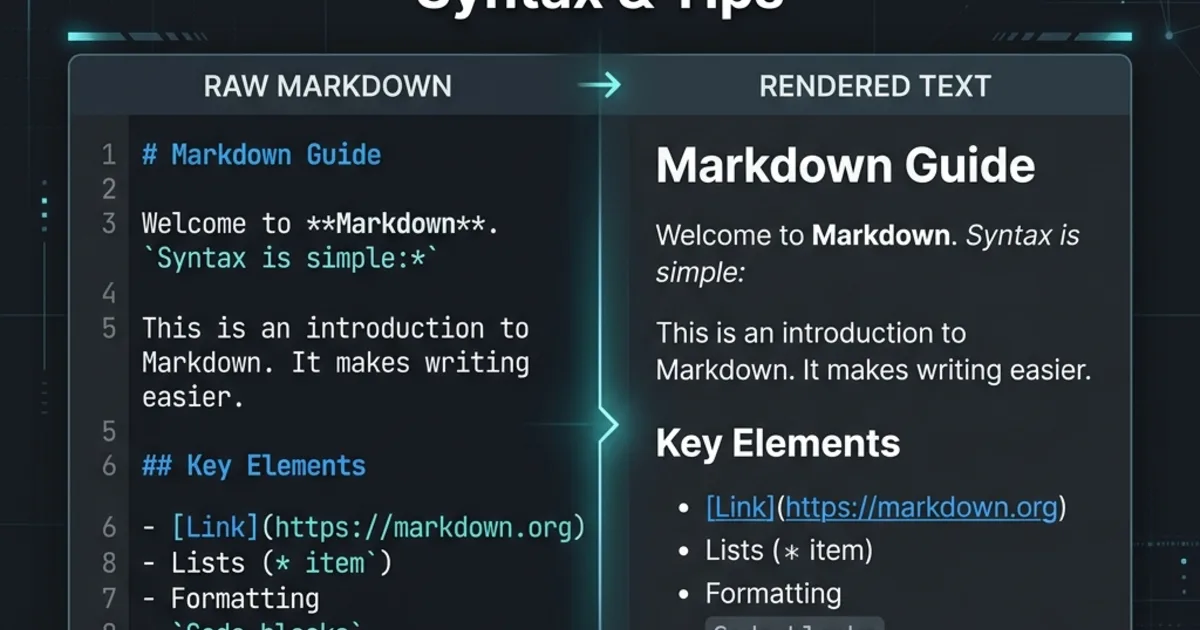
What Is Markdown?
Markdown is a lightweight markup language created by John Gruber in 2004. It lets you write formatted content using plain text syntax that's easy to read even before rendering. Markdown is used everywhere - GitHub READMEs, documentation sites, blogs, note-taking apps, and even chat platforms like Slack and Discord.
Basic Syntax
Headings
# Heading 1
## Heading 2
### Heading 3
#### Heading 4
Emphasis
*italic* or _italic_
**bold** or __bold__
***bold italic*** or ___bold italic___
~~strikethrough~~
Links and Images
[Link Text](https://example.com)
[Link with Title](https://example.com "Hover text")

Lists
Unordered:
- Item one
- Item two
  - Nested item
Ordered:
1. First
2. Second
3. Third
Blockquotes
> This is a blockquote.
> It can span multiple lines.
Code
Inline: Use backticks: `const x = 42`
Block: Use triple backticks with a language identifier:
```javascript
function greet(name) {
  return `Hello, ${name}!`
}
```
Horizontal Rules
---
GitHub Flavored Markdown (GFM)
GitHub extends standard Markdown with several useful features:
Tables
| Feature | Supported |
|---------|-----------|
| Tables  | ✅ Yes     |
| Emoji   | ✅ Yes     |
Task Lists
- [x] Completed task
- [ ] Pending task
- [ ] Another pending task
Autolinks
URLs are automatically converted to clickable links: https://dailyutil.com
Footnotes
Here is a statement[^1].

[^1]: This is the footnote content.
Tips for Better Markdown
- Use ATX-style headings (
#) - not underline-style - Always add alt text to images - for accessibility
- Use reference links for repeated URLs
- Use fenced code blocks with language identifiers for syntax highlighting
- Keep lines under 80 characters for readability in plain text
Preview Your Markdown
Use our Markdown Viewer to render Markdown with full GFM support - tables, task lists, syntax highlighting, and live preview as you type.
Need to export? Try our Markdown to PDF converter for professional, printable documents.